
Answer Claude Code from any app.
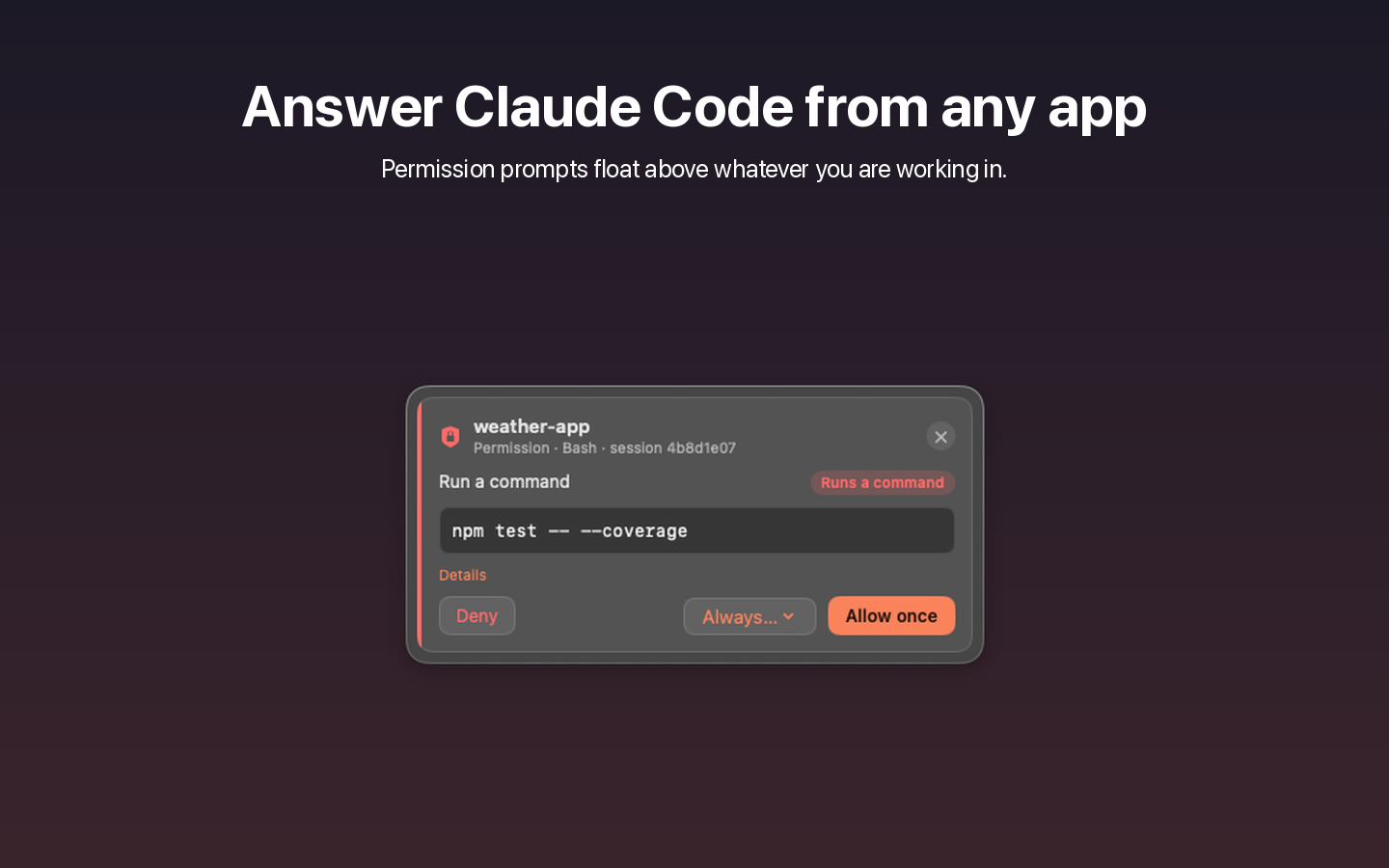
When Claude Code asks for permission or asks a question, Claudey shows it in a floating window above whatever you are working in. Allow, deny or answer without switching back to the terminal or VS Code.
Requires macOS 14 or later
What Claudey does
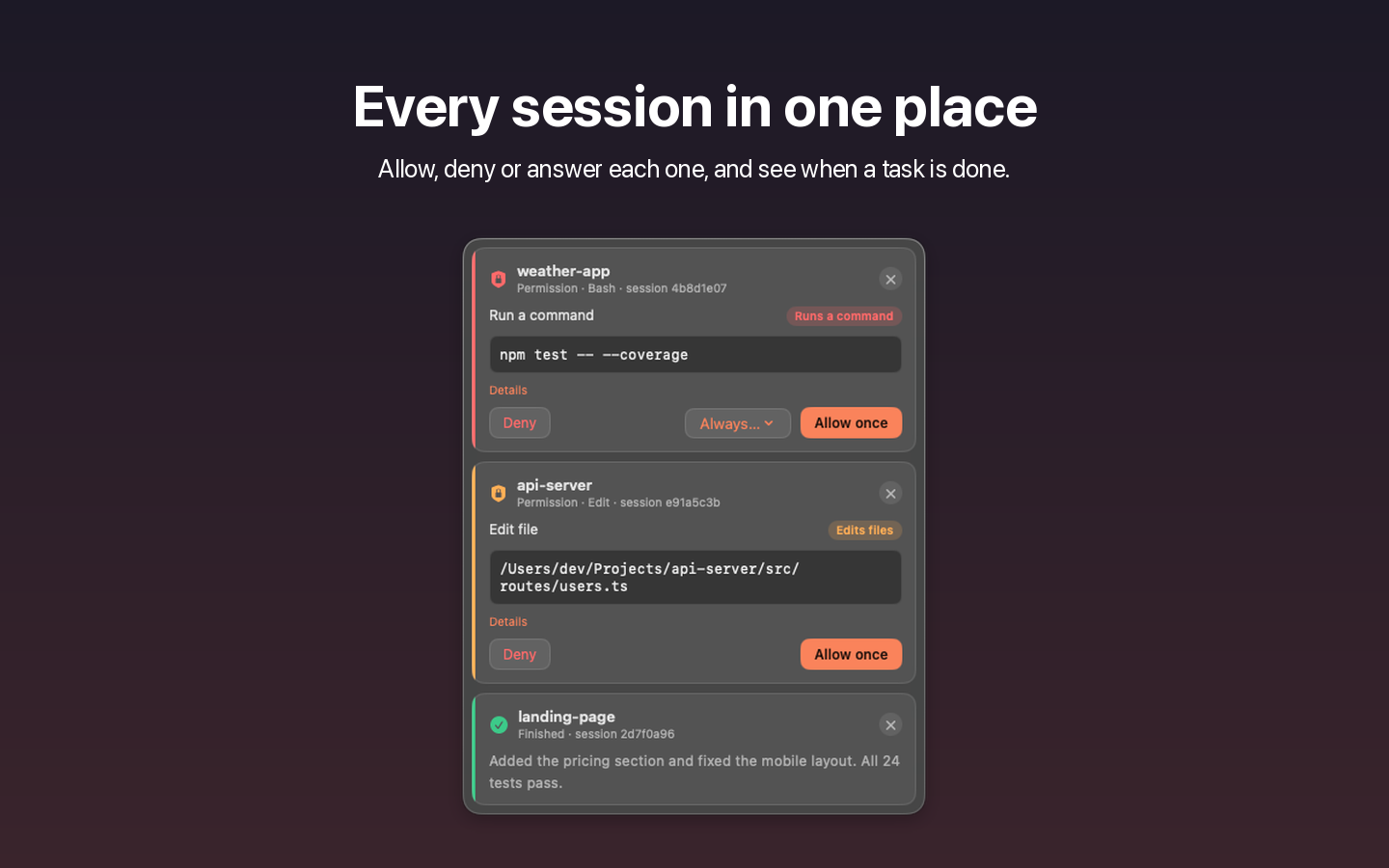
Permission prompts
Allow once, deny with a note for Claude, or pick an “Always” rule when Claude Code offers one.
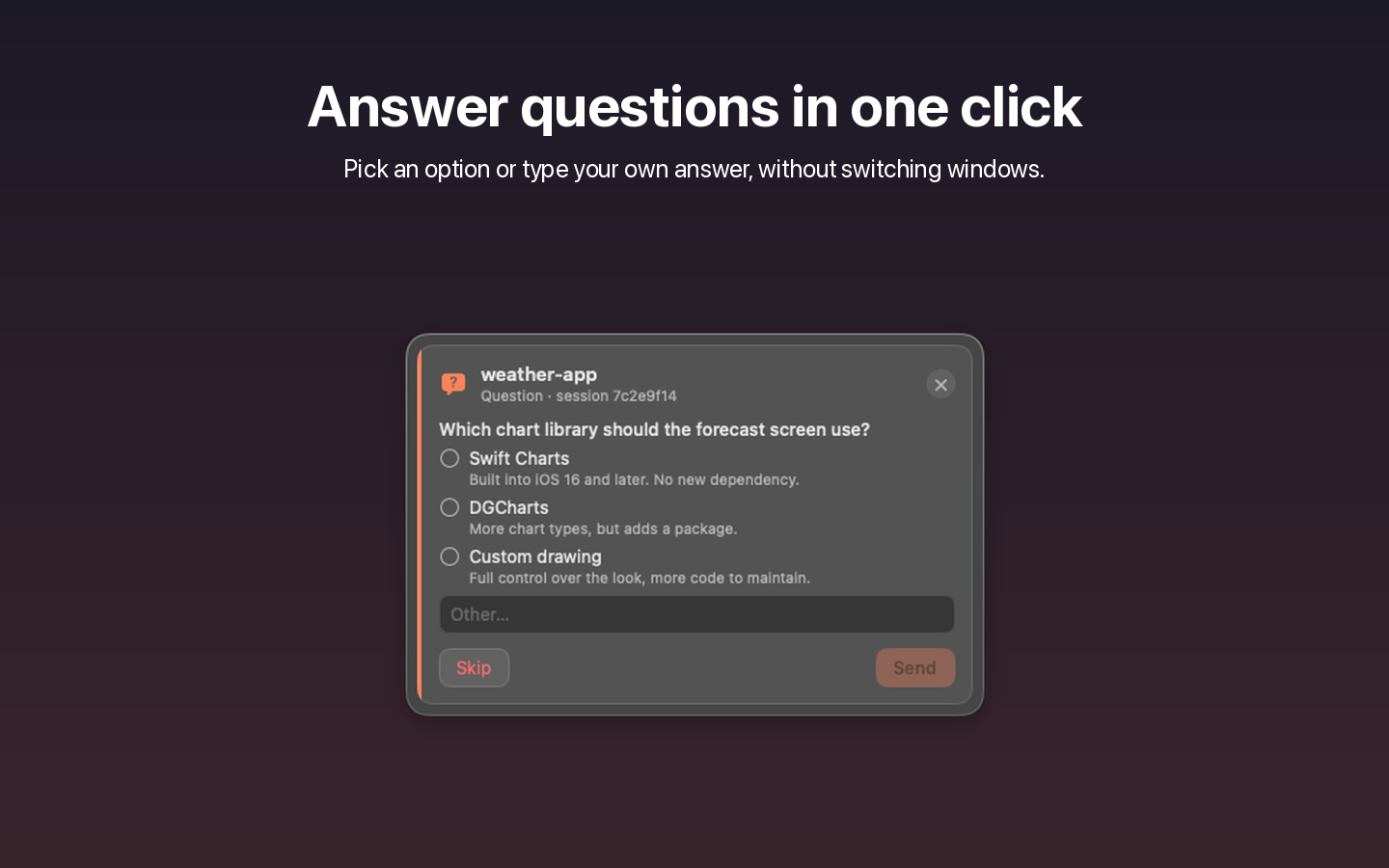
Questions and forms
Pick an option or type your own answer. Several questions show one per tab.
Finished notices
See when a whole task is done, with the start of Claude’s last message.
Usage in the menu bar
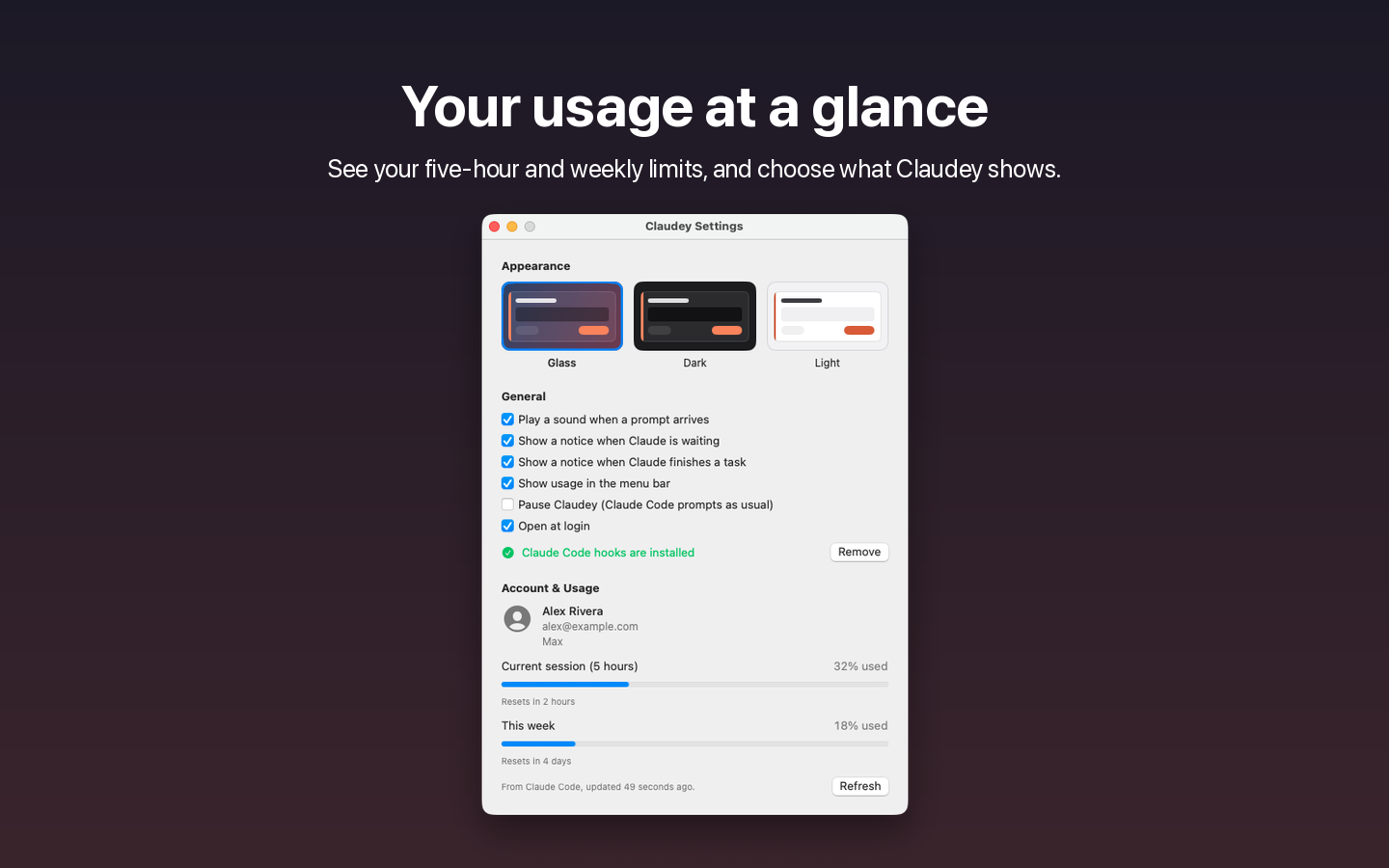
Your five-hour and weekly limits, such as 5h 2% · 7d 60%.
Stays out of the way
The prompt in Claude Code stays open too. Whichever you answer first wins.
Private by design
No account, no analytics, no server. Prompts are shown on your Mac and never sent anywhere.
Get Claudey
Works with Claude Code in the terminal, the VS Code extension and the Desktop app. Claude Code must be installed and signed in.
Requires macOS 14 or later